Timeline
Everything on one chart, year by year. Zoom into a month or a day, down to each event.
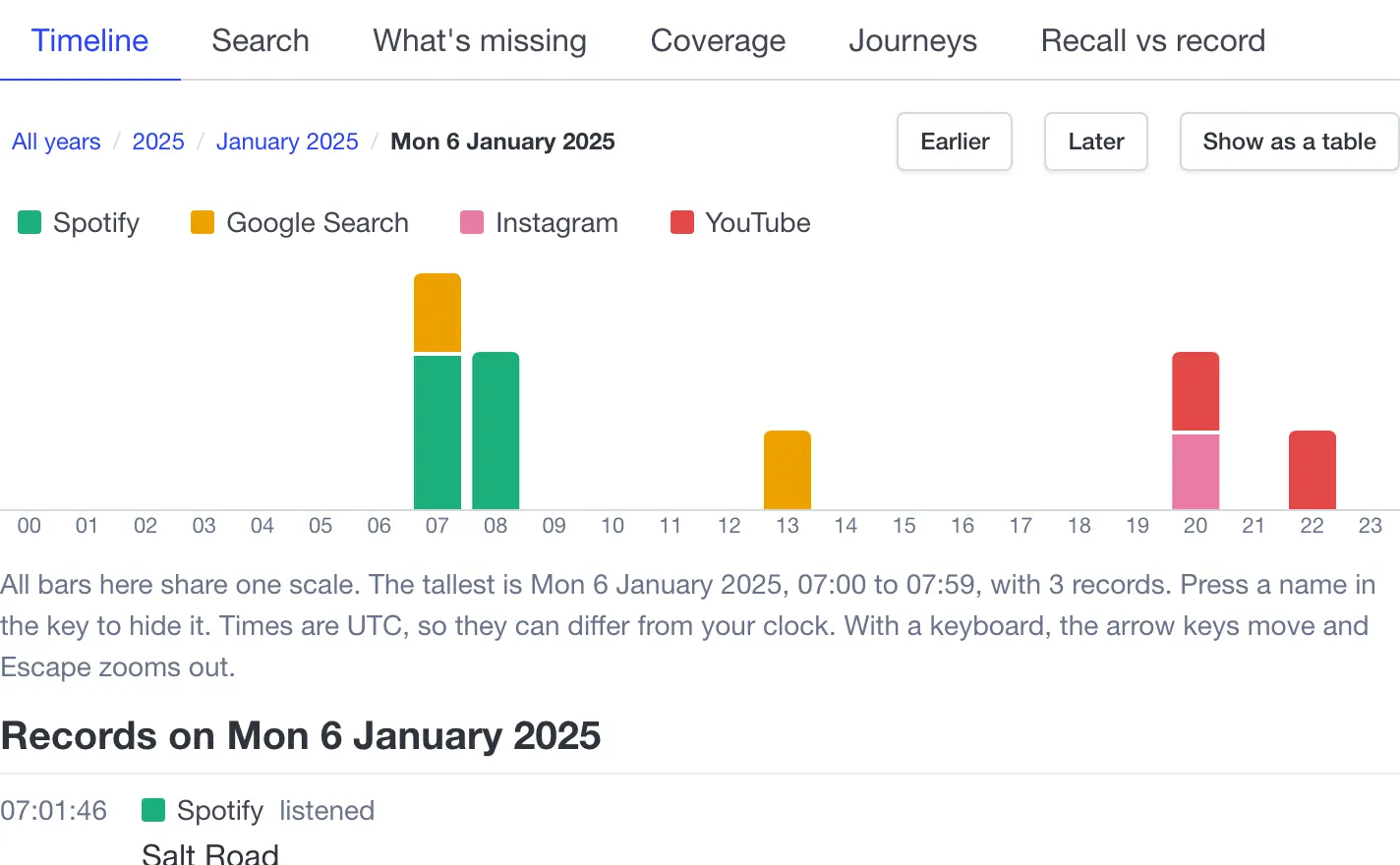
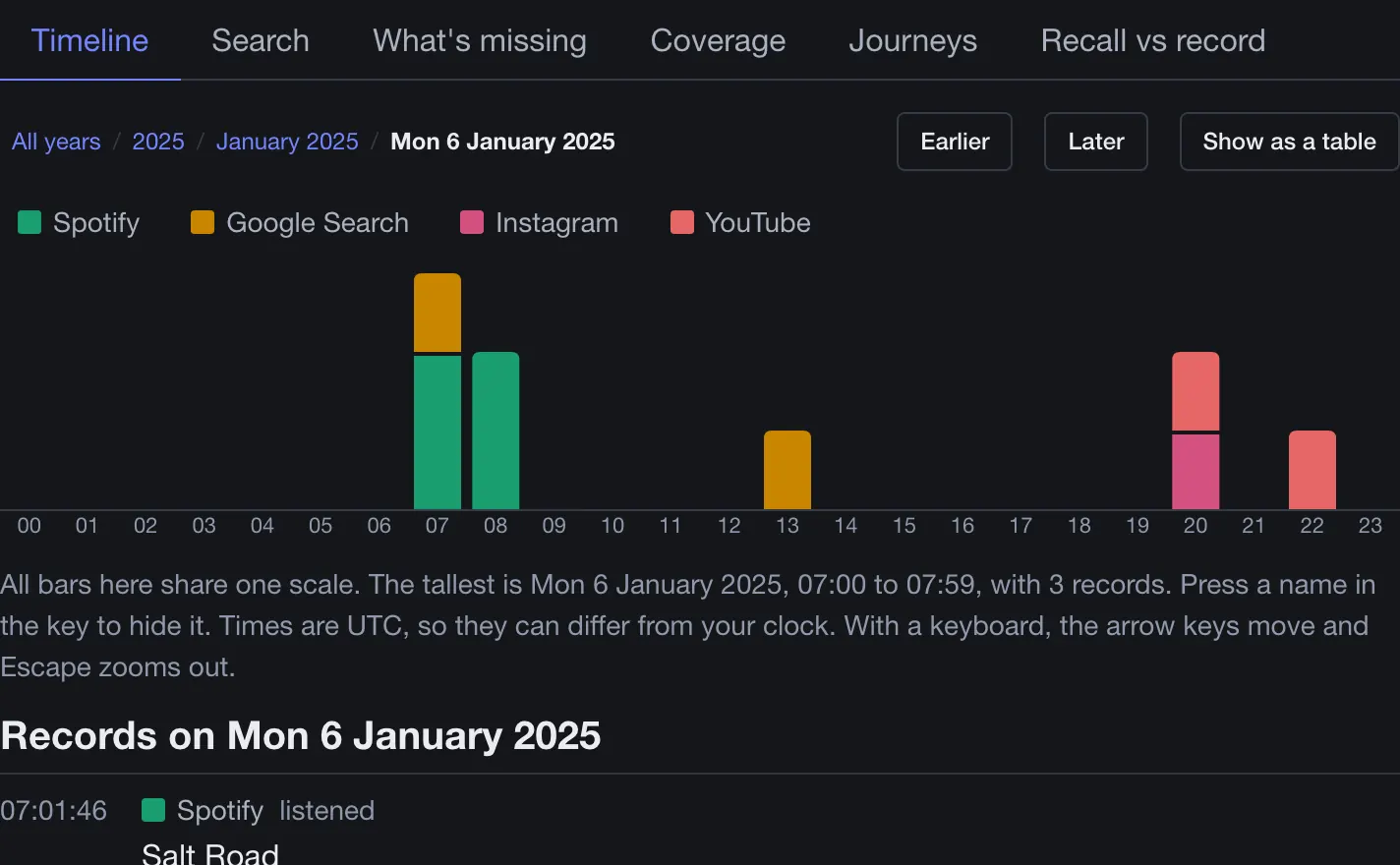
We guide you through downloading much of your history from Google, Amazon, Spotify and others, then bring it together in one place you can search and explore. Your files stay on your computer. The tool doesn't upload them, to us or anyone else.
No account and nothing to install. Exports can take days to arrive, so the made-up person shows you what you'll get right now.
Most online tools ask you to upload your files. This one doesn't. It runs inside your browser, on your machine, and your files stay there.
Your computer
Our server
Receives none of your exports, and holds no copy of your database.
Your browser opens the files itself. They aren't sent anywhere to be processed.
Your database stays in your browser's private storage. We have no copy to look at, lose or hand over.
One button removes the database from your browser. There's nothing on our side to delete.
Reconnect before you reload the page, as the tool itself comes from this site.
Big companies hold records of what you searched, watched and bought. Each service offers a download, and in the UK and EU data protection law gives you a right to a copy of your personal data. But the files are partial, slow to arrive and hard to read. This free tool brings them together on your own computer. They keep their copy. Now you can actually read yours.
Pick the services you use. The guide gives you a link and the settings to choose for each one. It's written from public help pages, so your screens may differ.
Each company prepares your export. That takes anything from minutes to about a month. The guide keeps your progress in this browser and can make a calendar reminder.
Choose the files you downloaded. The tool reads them in your browser and adds your activity to a private database there.
Look through your history across services, and check what the exports leave out. Save a copy of the database, or delete it, whenever you like.
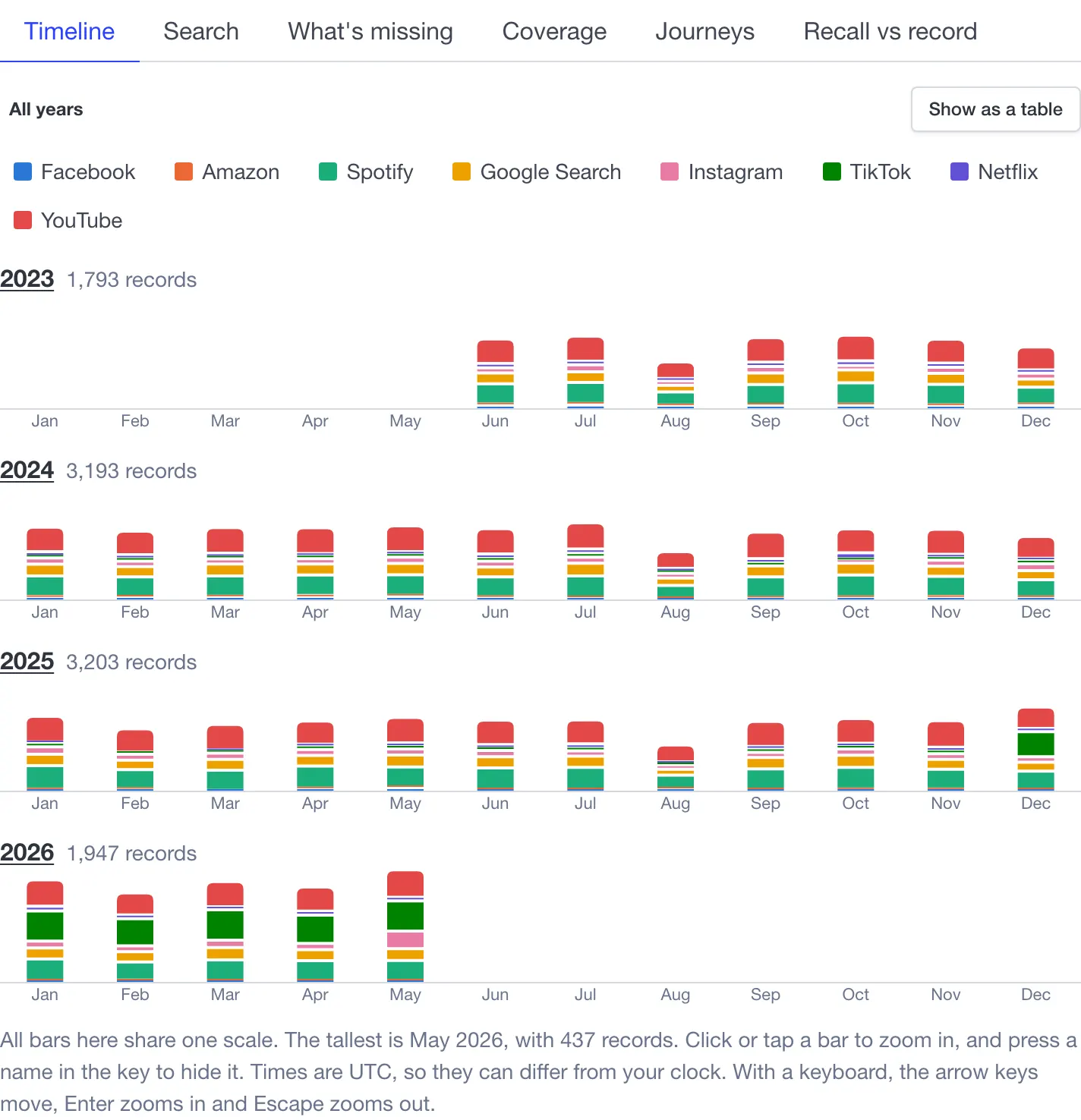
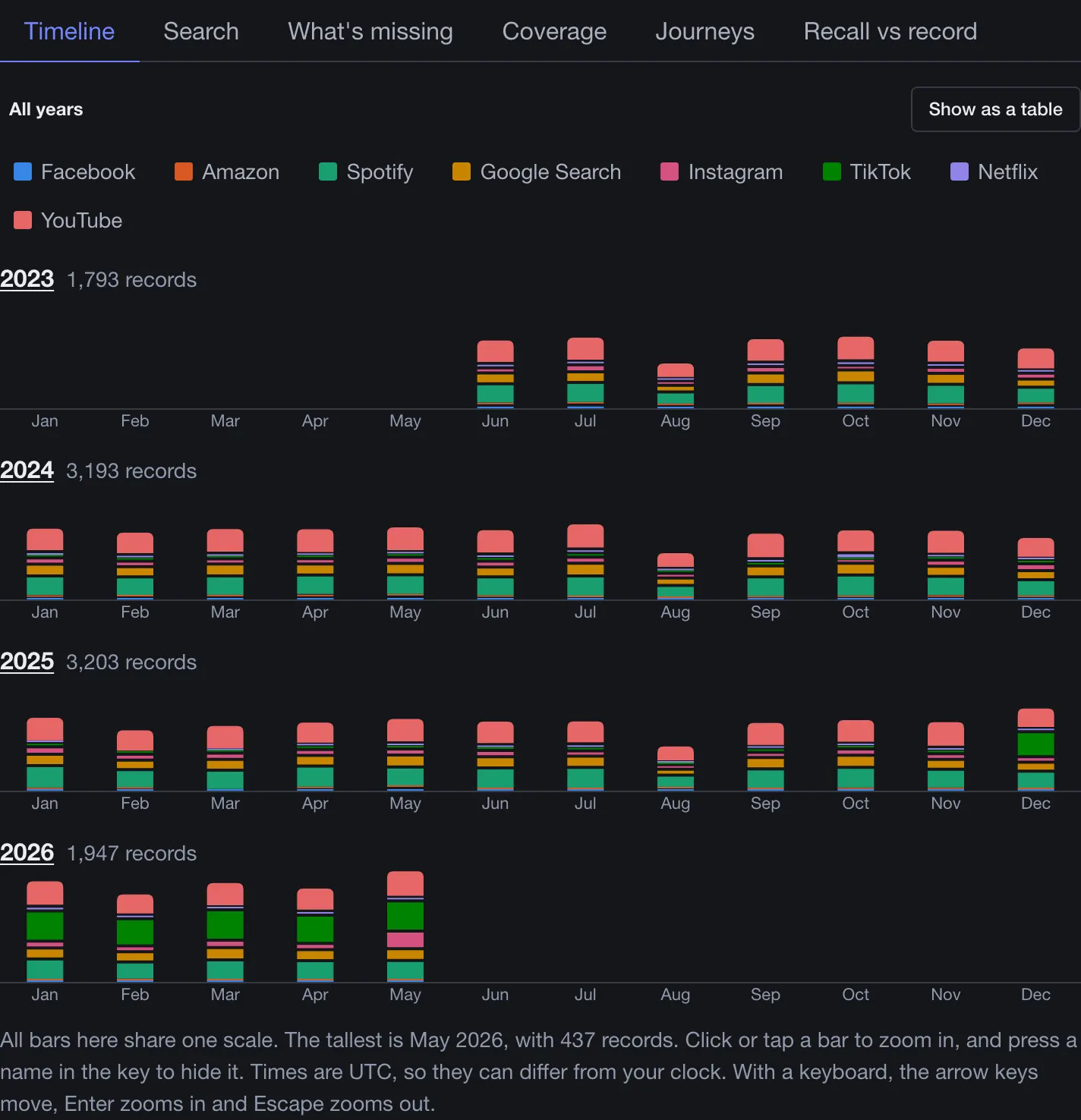
Your searches, purchases, videos and music normally sit in separate files from separate companies. Here they sit together, so you can search all of it at once, filter by service, type or date, and see how it connects. These pictures are the real tool, showing a made-up person.
Everything on one chart, year by year. Zoom into a month or a day, down to each event.
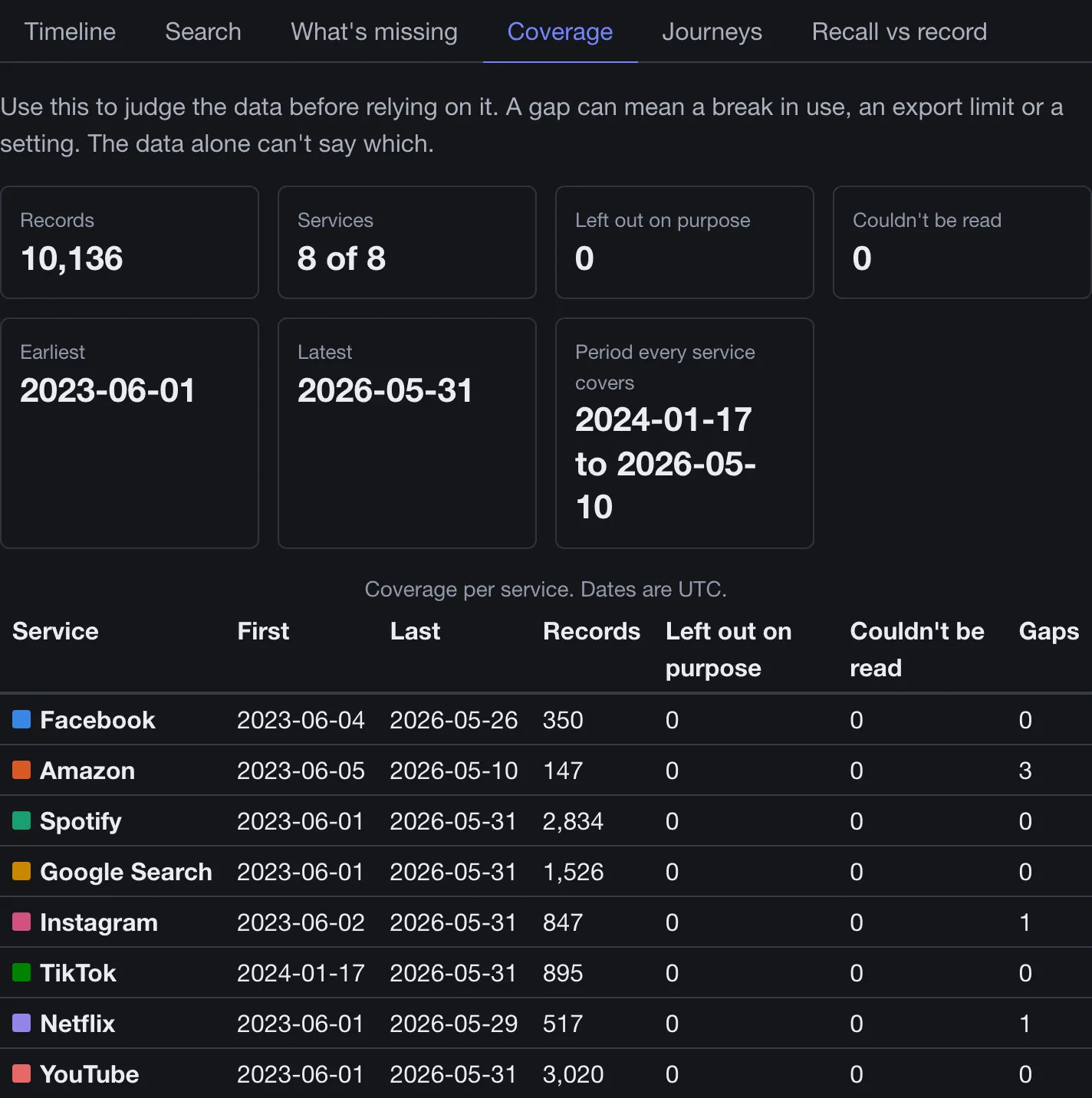
What each export holds, where the gaps are and what it can't show. Use it to judge the data before relying on it.
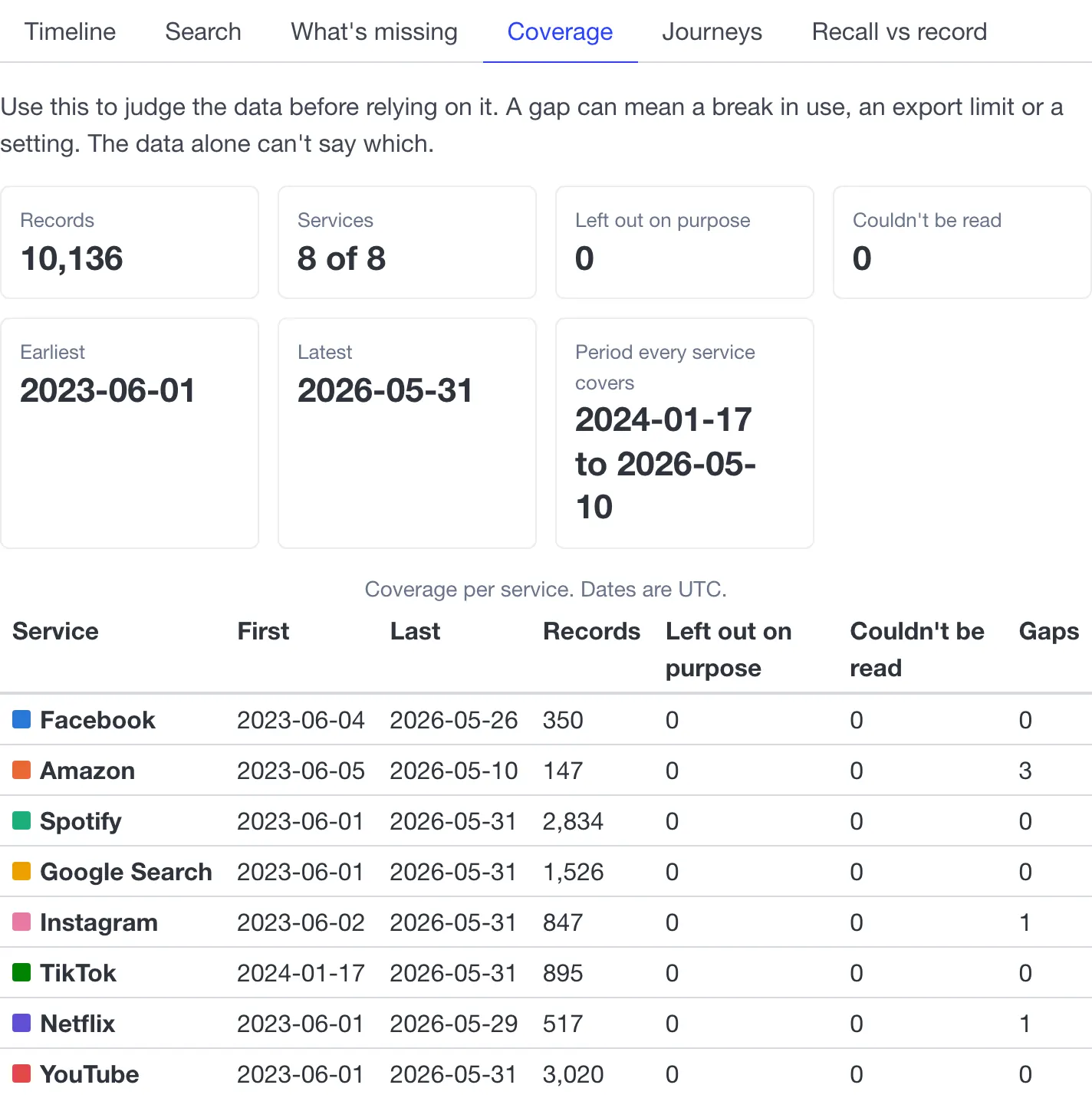
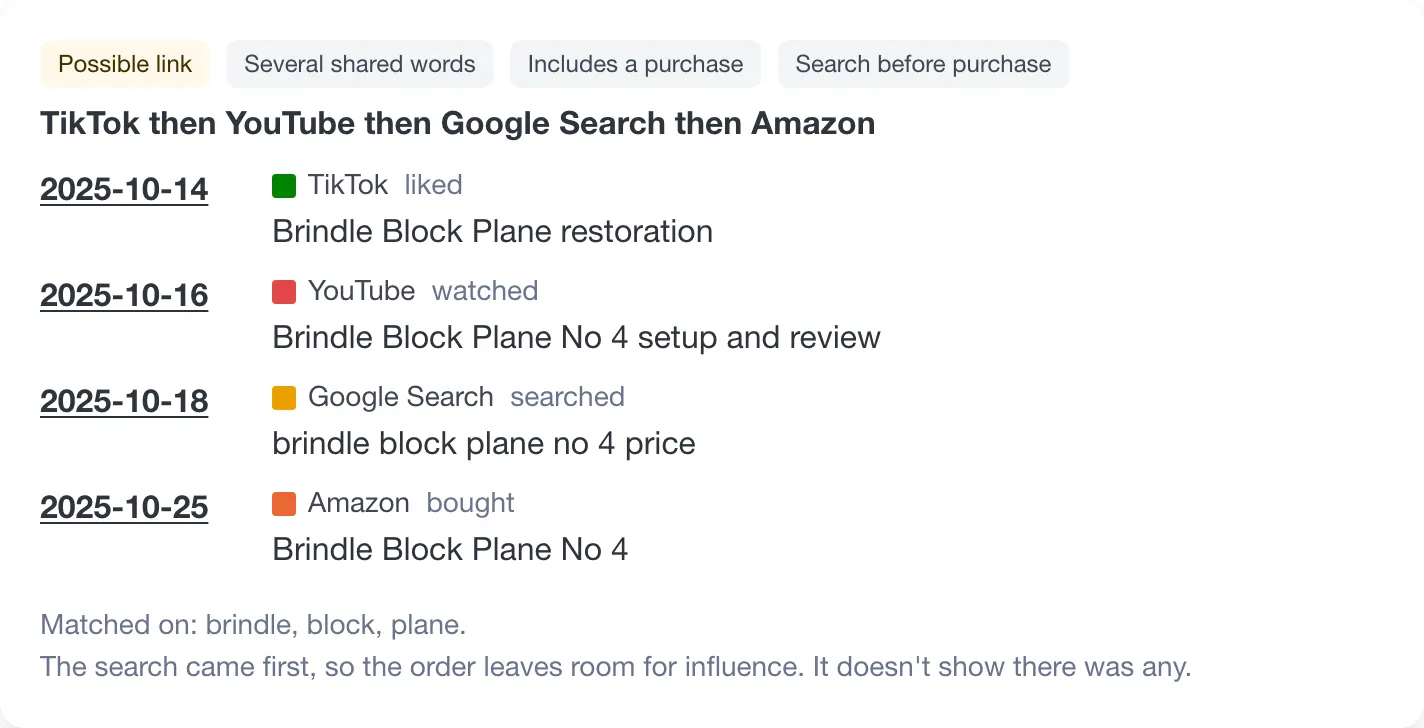
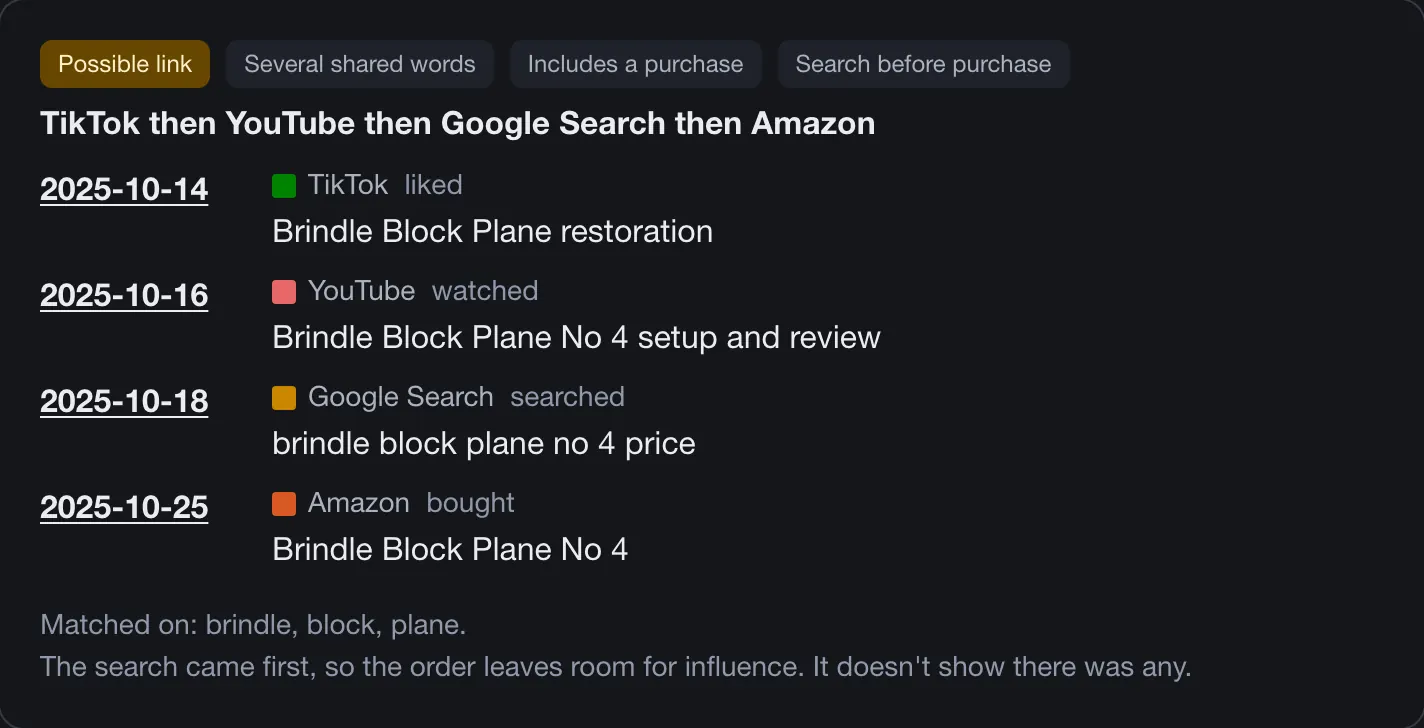
Possible links between services, like a video on TikTok, a search on Google and a purchase on Amazon. These come from matching words in titles. They're candidates, not facts.
Guess what you spent or watched in a month, then see what the export shows. Neither number is the whole truth, and your guesses stay in your browser.
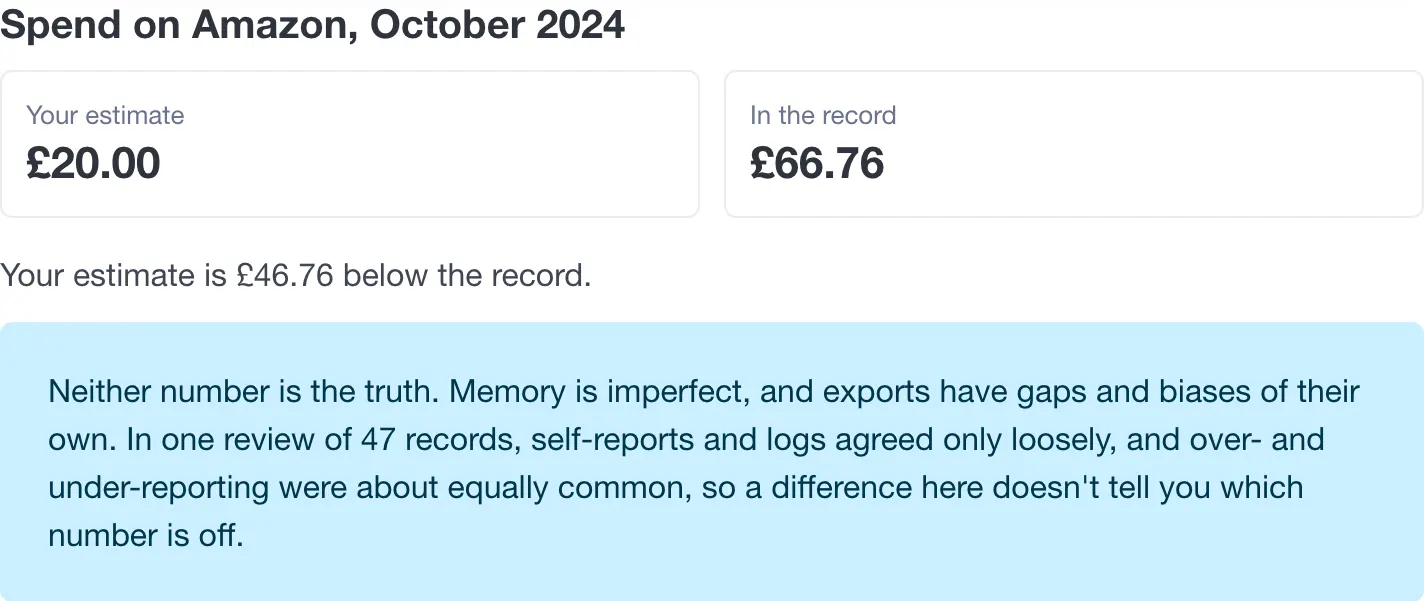
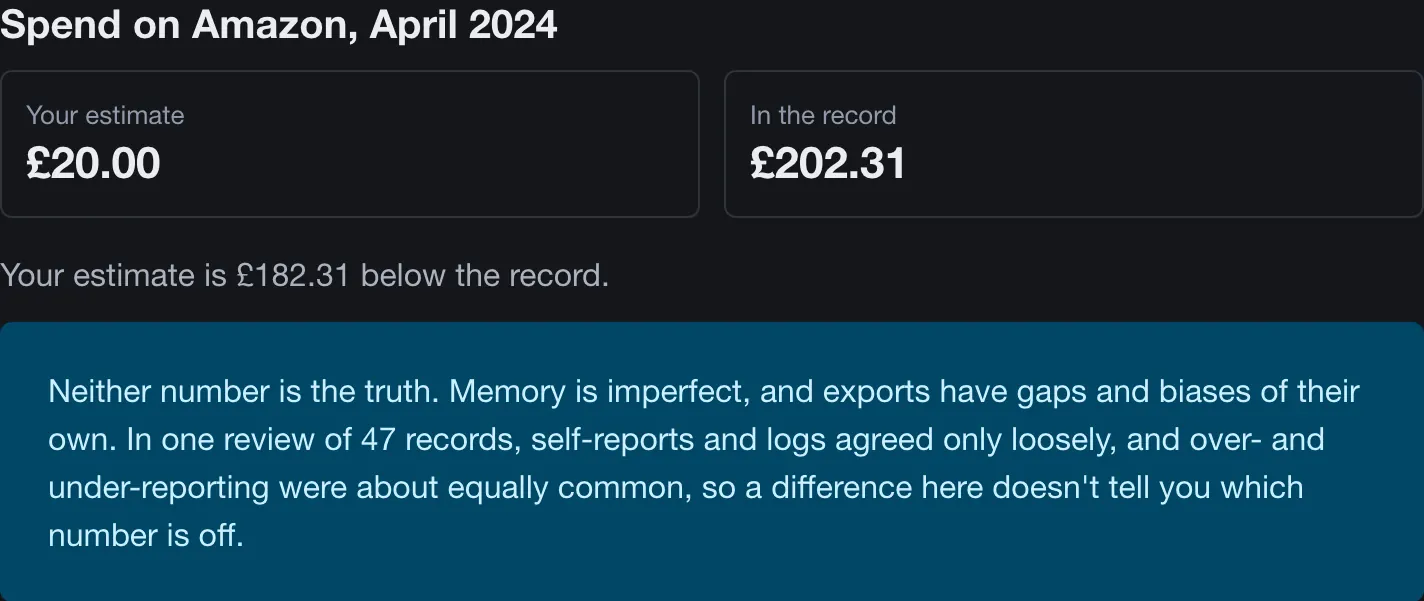
This is early work. So far only Amazon and Google Search have been run on real exports. The others have only been tested on made-up files, so the tool may miss or misread things, and it tells you what it couldn't read. We aren't connected with any of these companies.
Files of messages, contacts, followers, photos or videos are skipped without being opened. TikTok is the exception: its export is one file, so any direct messages in it pass through your browser's memory while it's read. They're not stored.
There are no analytics or advertising trackers. The site's security policy also tells your browser not to let its code connect to any other host.
The privacy page has the details.
The guide and the tool are free to use, and you don't need an account.
Each of these services has a way to download your data. In the UK and EU, data protection law also gives you a right to a copy of your personal data. Rules differ elsewhere, and this isn't legal advice.
Your database lives in your browser's storage, so clearing it removes your data. We can't bring it back. Save a copy from the tool if you want to keep it, and restore from that copy later.
Optional topic suggestions use a small model that your browser downloads from this site, about 30 MB, and runs on your device. It picks the nearest label from a fixed list. It isn't an LLM or a chatbot, and it makes mistakes.
Exports leave out most adverts you saw and much of what you only scrolled past, and each company decides what goes in. The Coverage view shows the limits we know about.
You can't sell, share or donate data here today, and we can't say if or when you will. See below.
We're looking at whether people could choose to share parts of their activity, sell them, or give them to research. None of that exists yet, it needs legal checks first, and we can't promise it will happen or that it would pay anything.
If you'd like to hear when there's news, leave your email address. Researchers are welcome too.
Join the waitlistSaved in this browser only.